Web Assistant
Put an AI Local Guide on your website
Configure and test the experience in Guide Studio, then add it to your existing website with a small code snippet. Visitors can ask questions, discover what fits and continue into maps, lists and the right website content.
Live examples
See how destinations make the Web Assistant their own
Branding and application configuration are part of the standard product. Each destination adapted the Web Assistant in Guide Studio without commissioning a separate visitor frontend.


Configure and launch
Go live without building the
full AI application
The Web Assistant already includes the responsive website application, AI Engine, conversation, recommendation components, Map, Lists, Saved Spots, testing, publishing and Analytics. Guide Studio gives the organisation control over the parts that should remain adaptable: which AI Local Guides appear, how the Web Assistant looks, how visitors enter, which recommendation categories are available and how the experience behaves on desktop and mobile.
Configure
Adapt the guides, branding, entry screens, questions, categories, translations and application settings in Guide Studio.
Test
Preview the experience and try realistic visitor questions before publication.
Publish and embed
Publish the configuration and add the maintained application to the existing website with a small code snippet.
Change it when you need to
Update the experience in Guide Studio as guides, campaigns, seasons and visitor needs change.
Intent-based entry screens
Help visitors start with the
reason they came
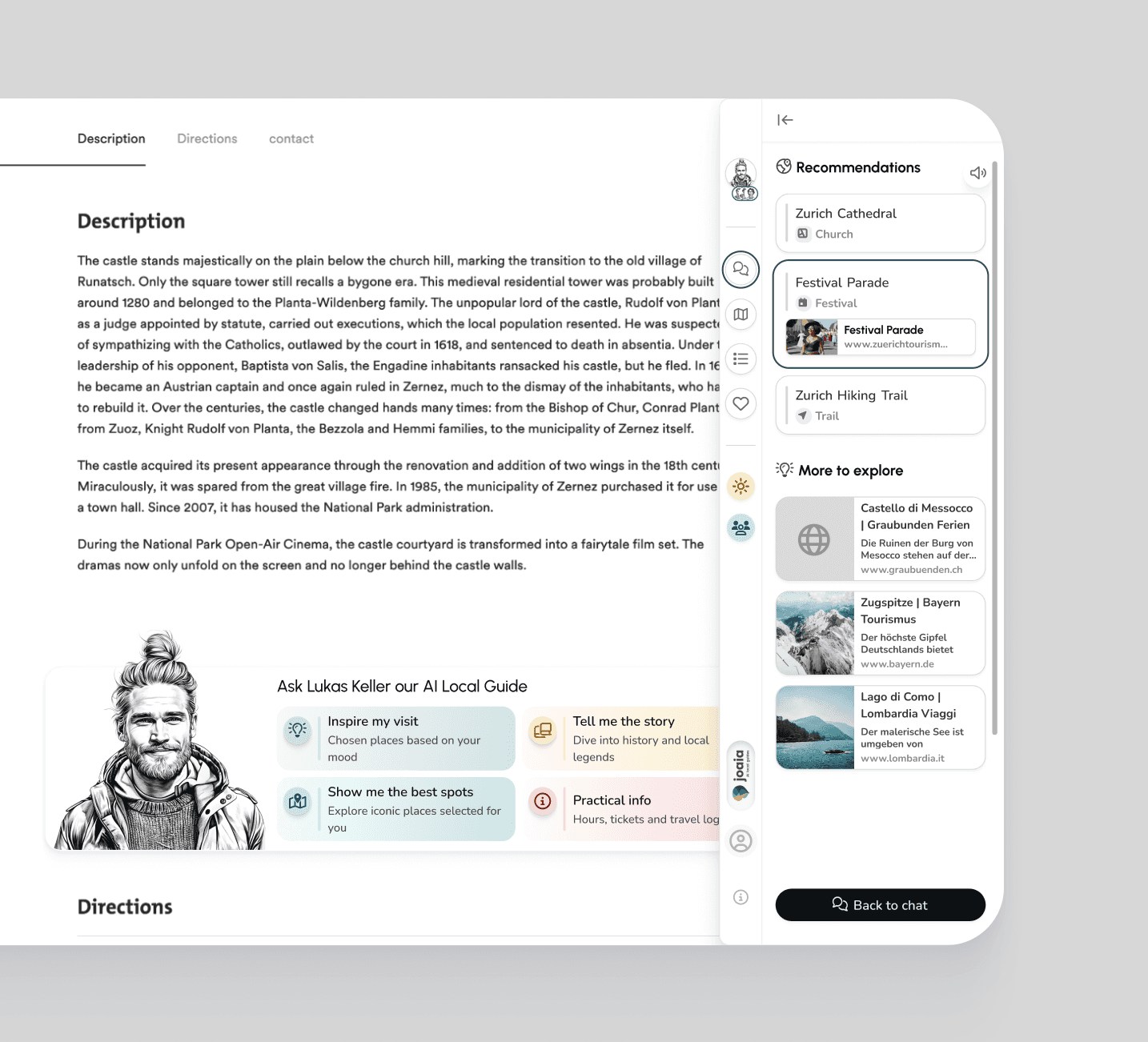
Use configurable imagery, wording and starting questions instead of presenting every visitor with the same empty chat box.


Visitor experience
One entry point for service, discovery, knowledge and planning
Conversation is the starting point. The Web Assistant can then use maps, lists, saved places, rich answers or website links when they make the result easier to use.



Analytics
See what visitors ask,
use and need
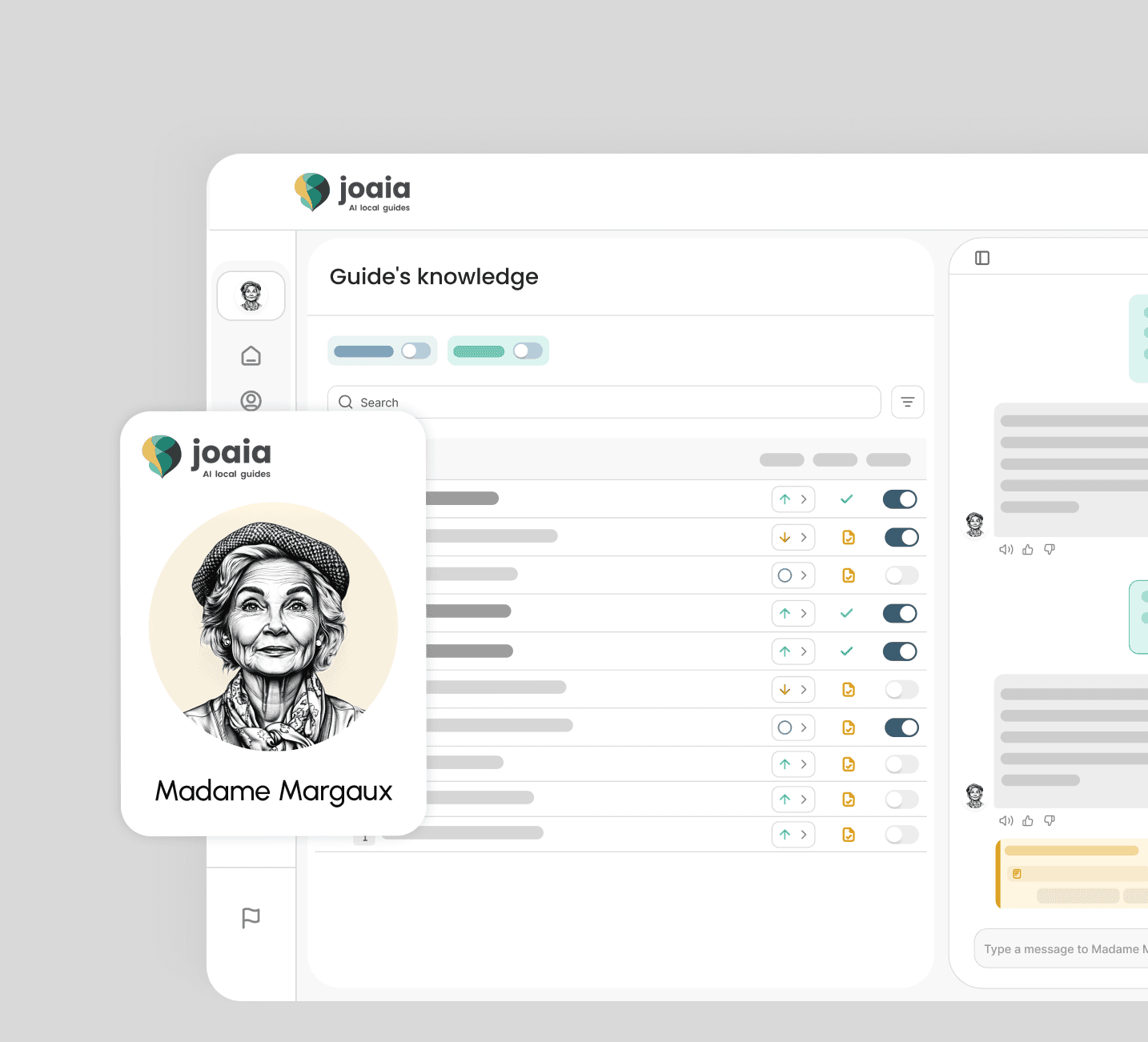
Guide Studio shows how the Web Assistant is used, which languages and intents appear, what happens inside conversations and where the experience or knowledge can improve.
Usage and engagement
Track adoption, activity and usage trends for the Web Assistant and understand how visitors engage across devices and locations.
Conversations and intents
LocInspect real read-only conversation threads and analyse the visitor needs, intents, sentiment and topics inside them.ation, time, weather, conversation history and intent can change what is useful now.
Languages and campaigns
See which languages visitors use and distinguish interactions that began through tracked campaign links.
Improvement signals
Identify unanswered questions, weak answers, recurring subjects and knowledge gaps that can inform the next content or product improvement.
In development: Web Assistant Pro
The interface should fit the request
Web Assistant Pro moves beyond a fixed chat stream and creates an interactive experience from the components relevant to each visitor's need.


Plans
Choose the Guide Studio plan that fits your organisation
All plans include AI Engine Level 1, unlimited seats and one Web Assistant. Licences are billed annually.
Onboarding, support levels and the full feature comparison live on the Pricing page.


FAQ
Questions about the Web Assistant
Direct answers about setup, entry screens, languages, visitor interaction, Analytics and pricing.
What is the Joaia Web Assistant?
The Web Assistant is Joaia's ready-to-deploy Visitor Solution for bringing AI Local Guides onto an existing website. Visitors can ask questions, receive local knowledge and recommendations and move into maps, lists, saved places, rich answers and relevant website content.
Is the Web Assistant an AI chatbot?
Can an organisation configure and test the Web Assistant without coding?
Can an organisation configure and test the Web Assistant without coding?
What are intent-based entry screens in the Web Assistant?
Which languages does the Web Assistant support?